
>>> Click here to go to Tutorial: Basic Introduction to Natron for Digital Compositing (Part 1)
>>> Click here to go to Tutorial: Basic Introduction to Natron for Digital Compositing (Part 2)
Once the node setup is complete, we can render the composition as an output.
Rendering final output to file
As mentioned, in order to render the final result to a file, a Write Node is required in the setup.
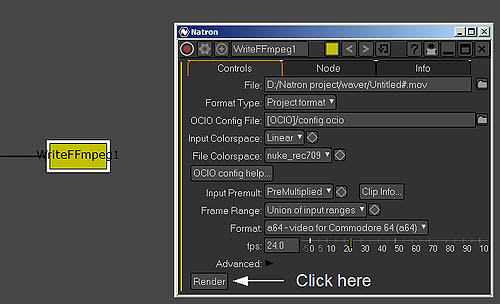
When it is time to do the render to file, click on the Render button corresponding to the Write Node. This is as indicated below.
This will render a file to be saved in the assigned location.
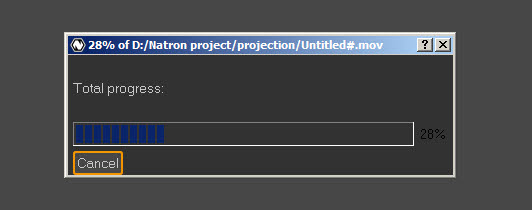
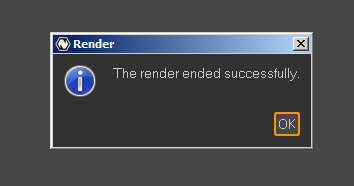
When the render is complete, the following message will appear.
Below is an animation that I have made using Blender and Natron. Please like it if you appreciate this tutorial. Thanks !! 🙂
That all for the short introduction to Natron. As mentioned, I am no expert in this area. Thus I am just contributing in the way that is within my understanding of this program. 🙂
Very good the tutorial, thank!
I want deep information greater about process nodes.
Where to find?
Thanks for the Interface introduction, i’ve learnt something while reading through your composition tuts, am now littlely in mind of how #Natron workflow connects
You are welcome 🙂